


G96 Box 4K HD Dual band Bluetooth Voice WiFi TV Network Set Top Box Q2tvbox
G96 Box 4K HD Dual band Bluetooth Voice WiFi TV Network Set Top Box Q2tvbox
Couldn't load pickup availability
-
Ordered
- - -
Order Ready
- - -
Delivered
Description
*Note: If the TV stick restarts again and again after a few seconds or minutes, or the small light bulb of the external signal line is sometimes on and sometimes off, the problem is that the output voltage and current of your TV are not 5V/2A. You need to replace it with a 5V/2A adapter to power it, and the machine will start normally.
Please use the cable provided by us, do not change the cable at will, in order to avoid the machine cannot be turned on
Netflix Usage tutorial:
1. After connecting to WiFi, open APPs, find the black Netflix software, and click to open
2. After clicking to open Netflix, the login interface will appear. Click the mouse switch button on the remote control to switch the remote control to mouse mode, and click the login button of the software
3. Click the mouse button again to switch the remote control to remote control mode, enter the account and password to log in
3. Use the mouse mode of the remote control to click the video you want to play
Package including:
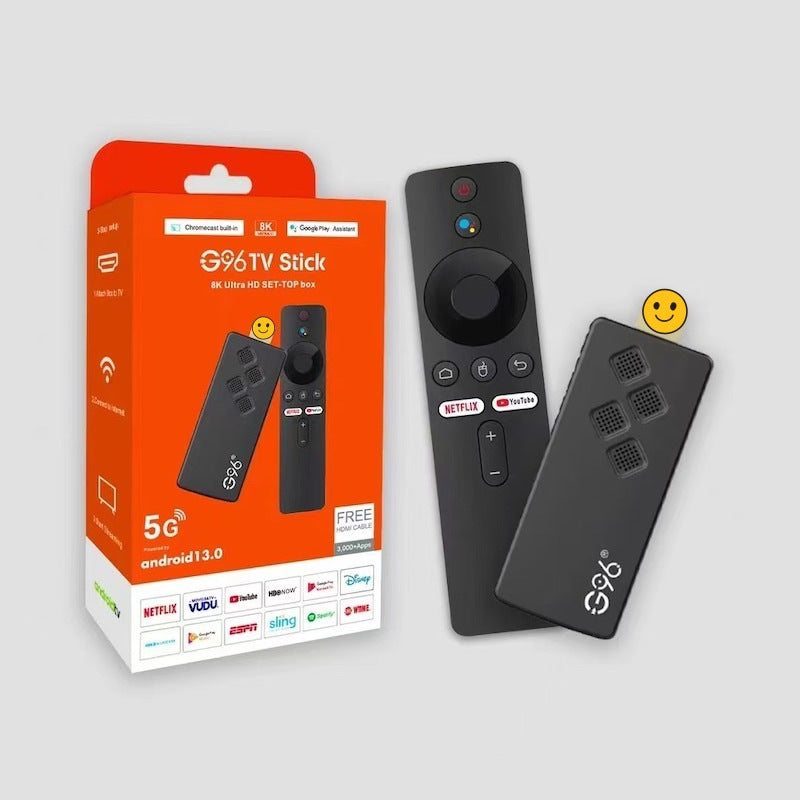
1 x Q2 TV Stick
1 x remote control
This product has three remote controls to choose from. Please choose the one you need according to your needs:
1*Infrared remote control 1*31-key infrared remote control 1*Voice remote control
The two infrared remote controls have no Bluetooth voice function, and when the pairing interface automatically appears on the TV screen, you only need to press the return button of the remote control to exit the pairing interface. Customers who need to use the voice function need to purchase a voice remote control
(The remote control must point to the small light bulb of the TV stick external signal line)
1 x HD cable
1 x Infrared signal receiving line
1 x USB power cable(no adapter,power by USB cable,if your tv not DC 5V/2A,must use DC 5V/2A adapter to power it)
1 x Manual
1 x retail box

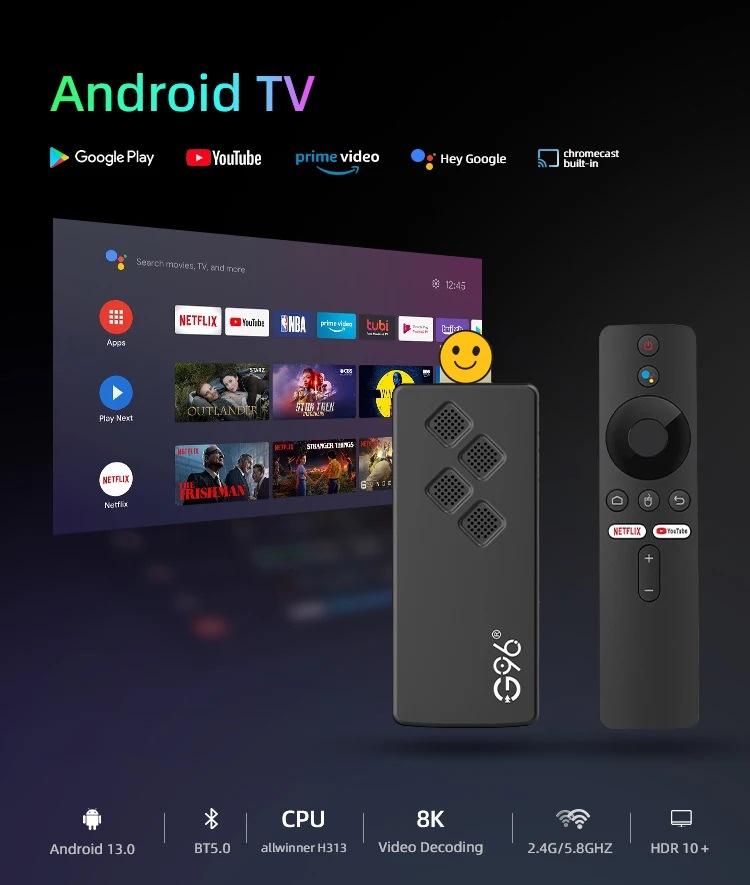


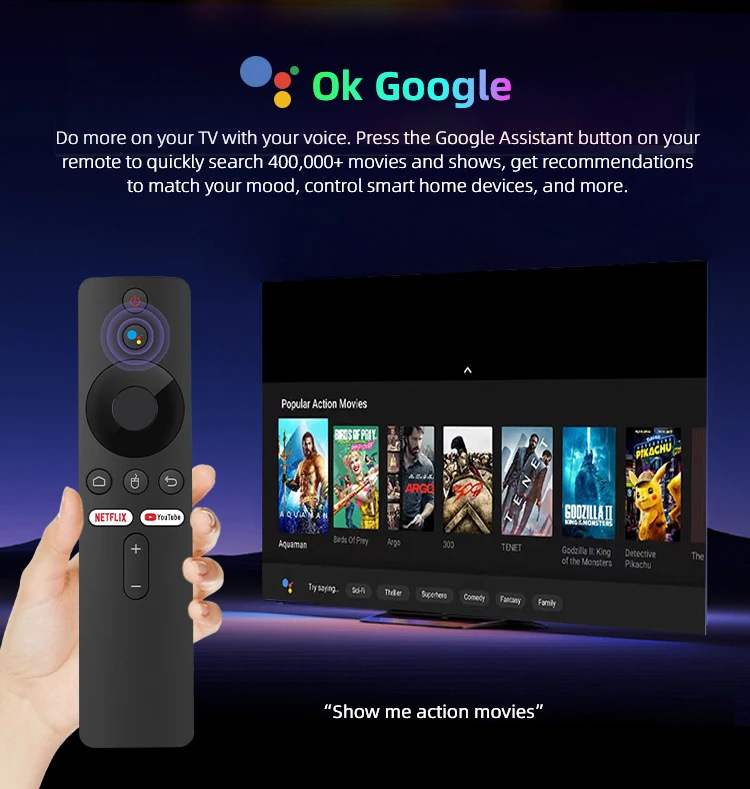


G96 Box 4K HD Dual band Bluetooth Voice WiFi TV Network Set Top Box Q2tvbox


SUPERBOX FAQ & Support
Everything you need to know about Superbox setup, channels, and features.
What is Superbox and how does it work?
Superbox is an Android-based smart TV box that streams live TV, movies, sports, and news directly to your television. Simply connect Superbox to your TV via HDMI and connect to Wi-Fi or Ethernet to start streaming.
Are there any monthly subscription fees?
No, Superbox is a one-time purchase with zero monthly fees or hidden subscriptions. Once you buy the box, you get lifetime access to available content and updates.
What internet speed is recommended for smooth streaming?
We recommend a minimum internet speed of 25 Mbps–50 Mbps for uninterrupted HD and 4K streaming. For optimal performance, connect via an Ethernet cable or use a 5GHz Wi-Fi network.
How many TVs can I use with one Superbox?
Each Superbox connects to one TV at a time via HDMI. However, because it is compact and portable, you can easily unplug it and move it to another TV in your house or take it with you on vacation.
What should I do if the box experiences buffering or freezes?
Try the following quick fixes:
- Restart your Wi-Fi router and the Superbox.
- Clear the cache in the app settings (Settings > Apps > Select App > Clear Cache).
- Switch to an Ethernet connection for better stability.
- Run a speed test on the box to confirm your internet speed.
What is the difference between Superbox models?
Newer Superbox models feature upgraded hardware specs, including faster processors, upgraded Wi-Fi chips, expanded storage, enhanced voice-control remotes, and upgraded playback/time-shift features.
Based on 100 reviews